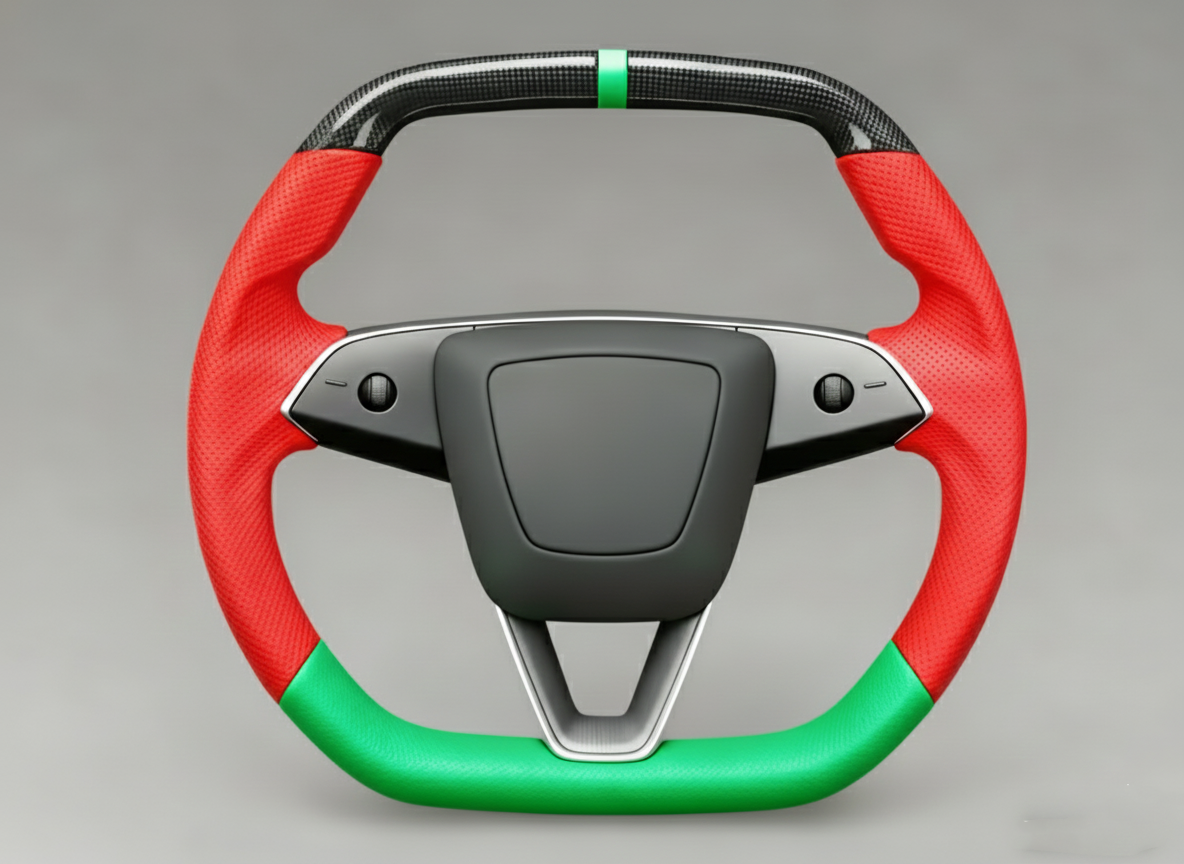
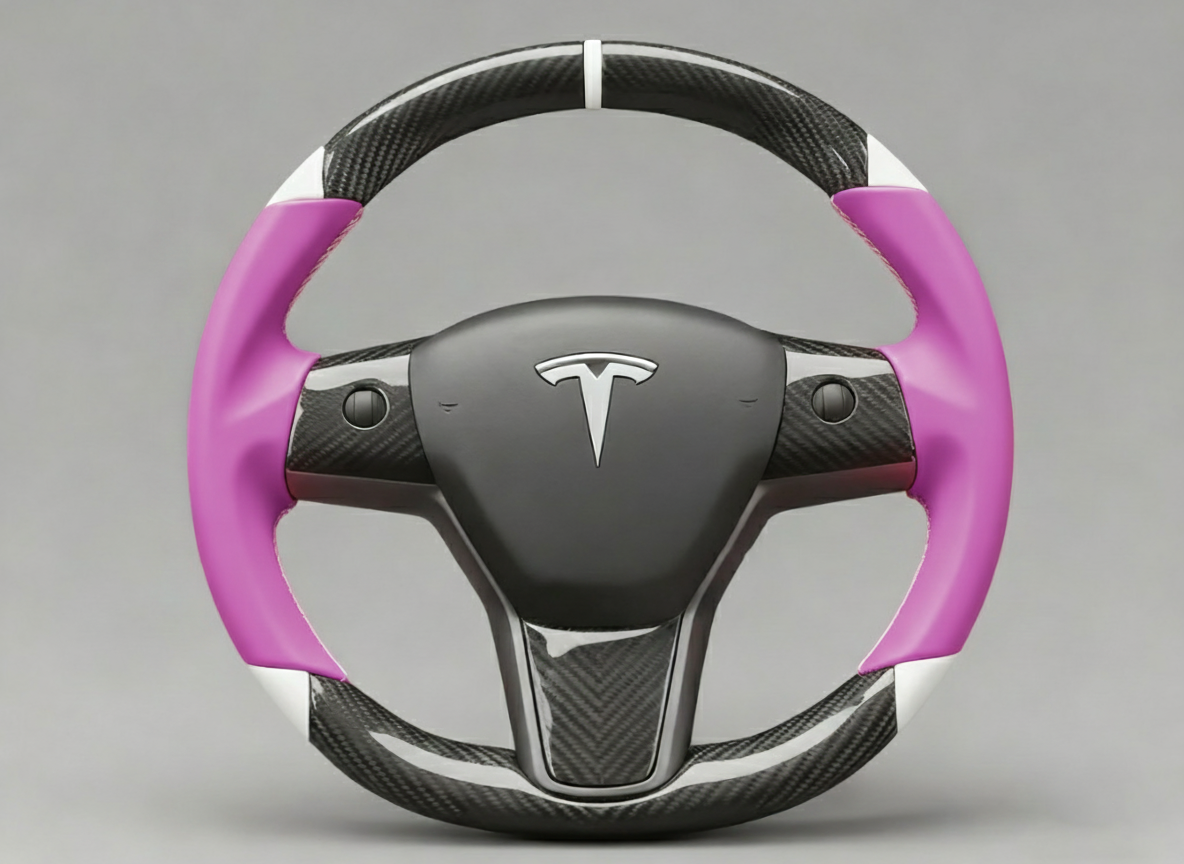
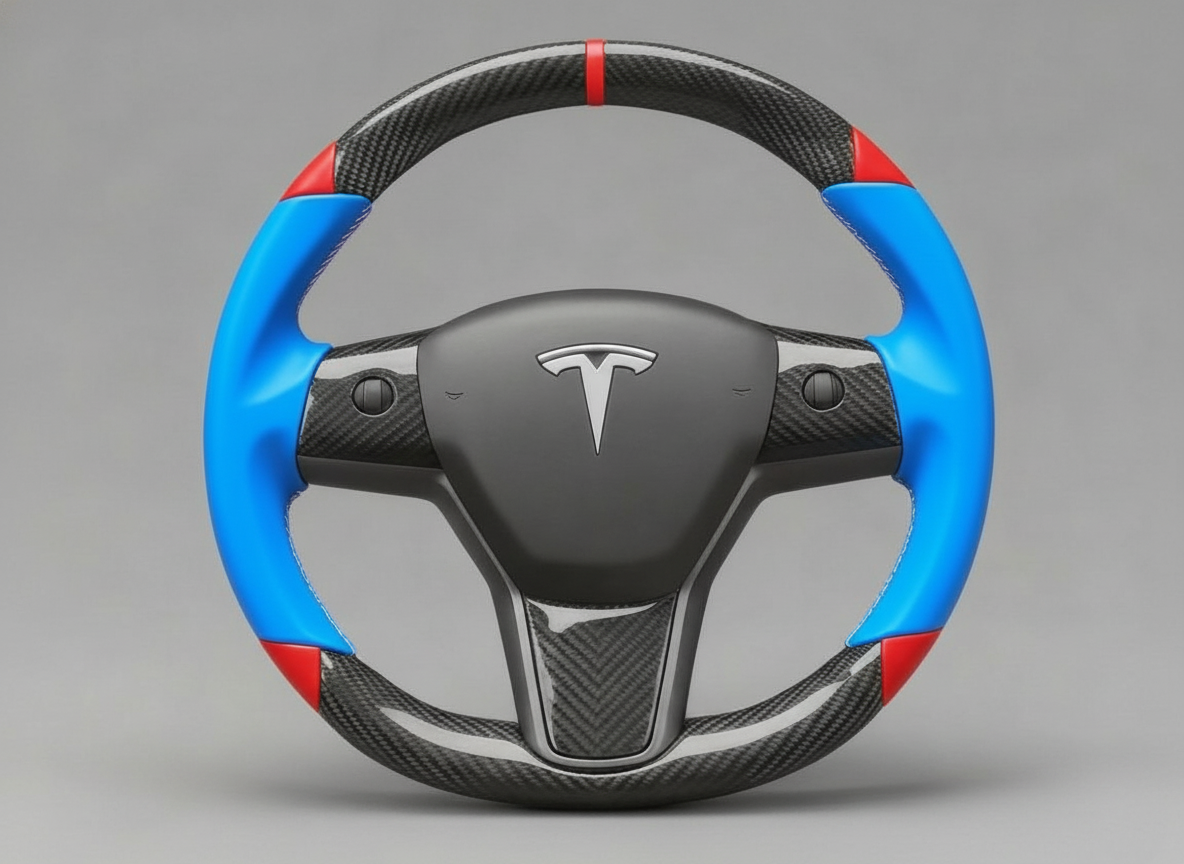
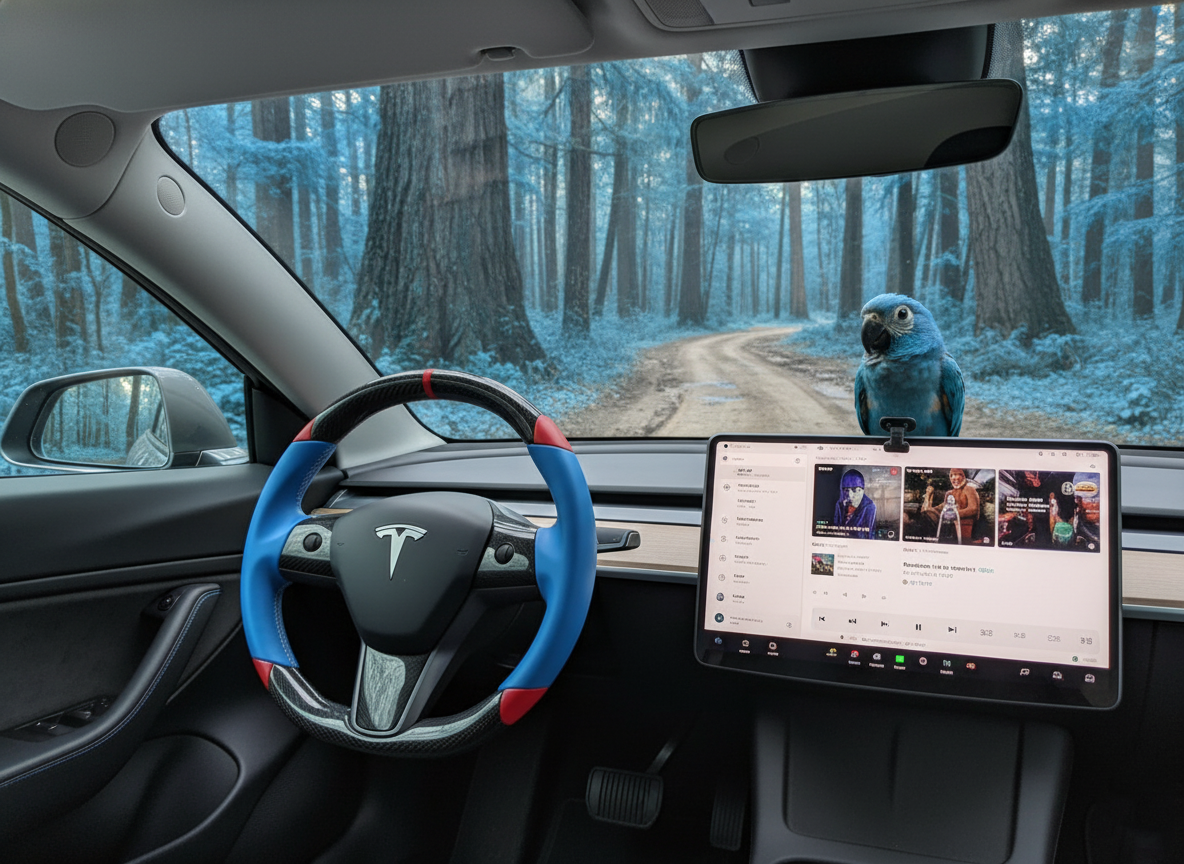
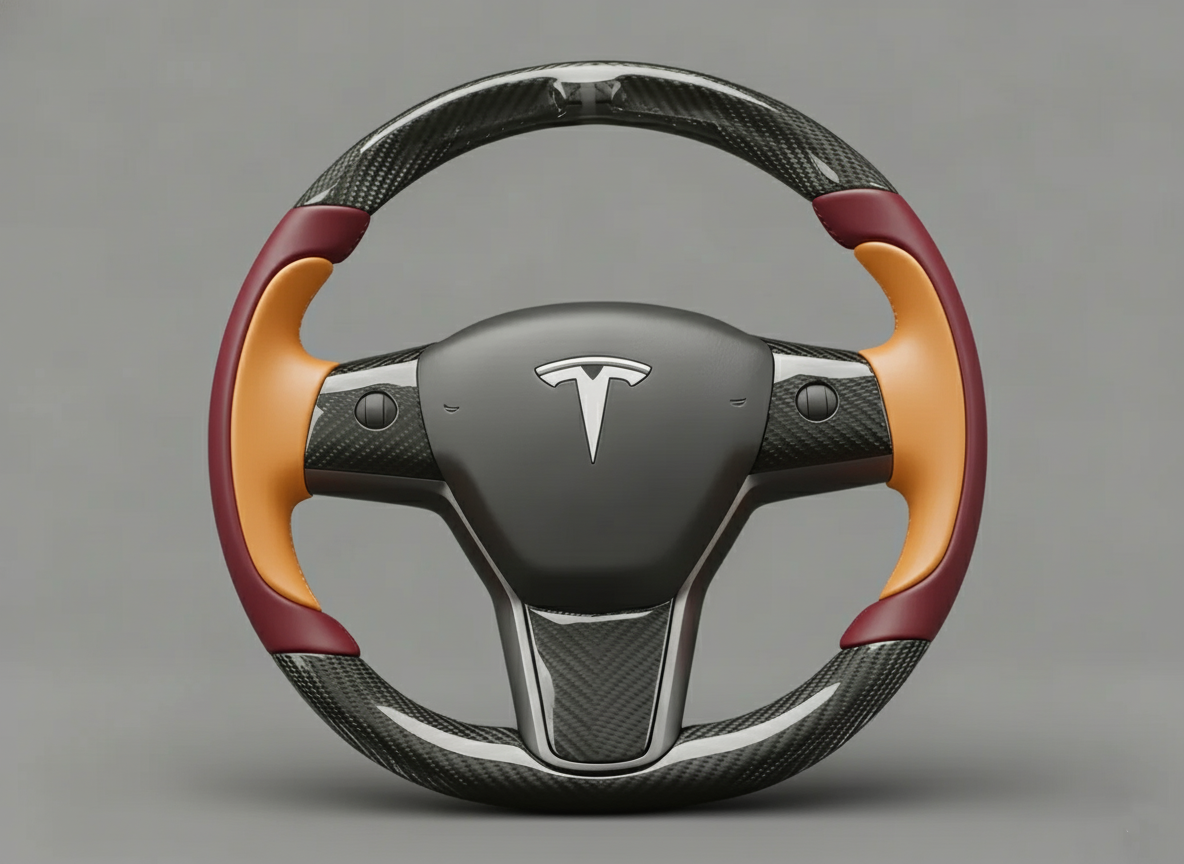
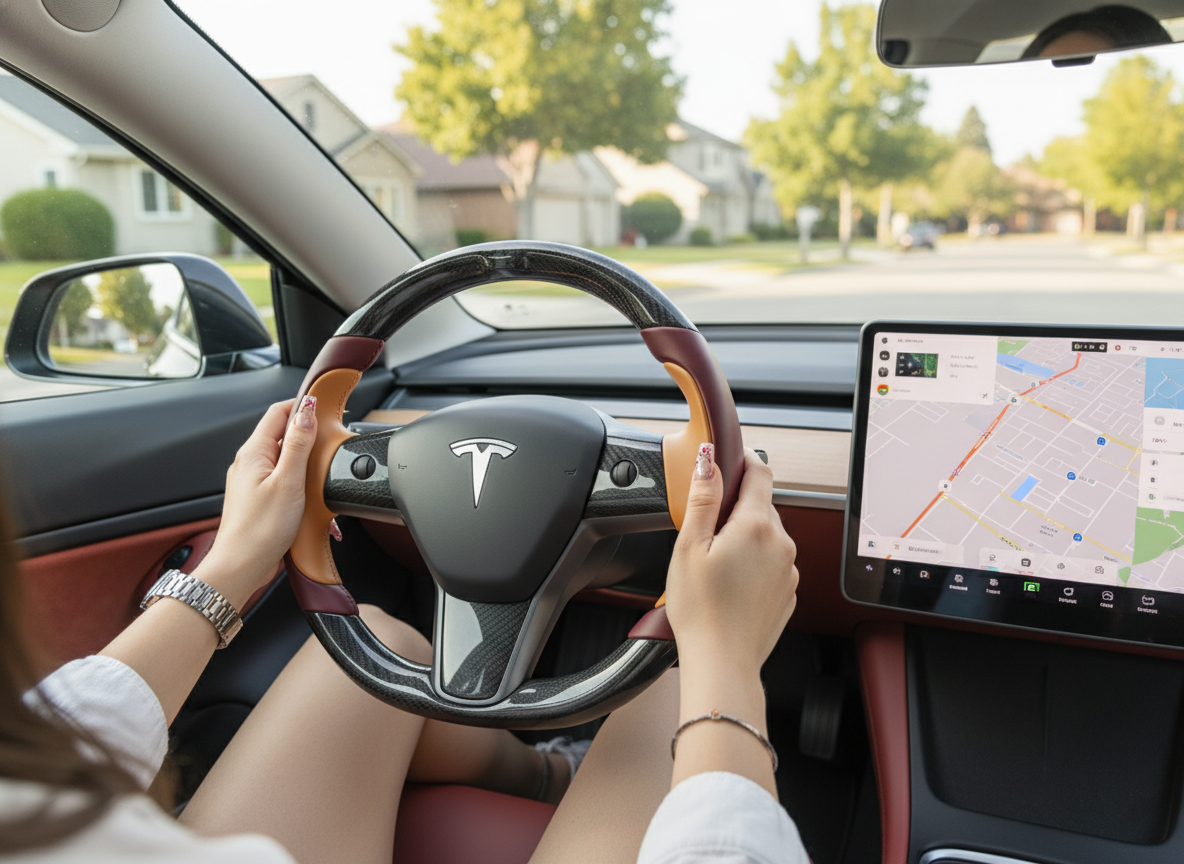
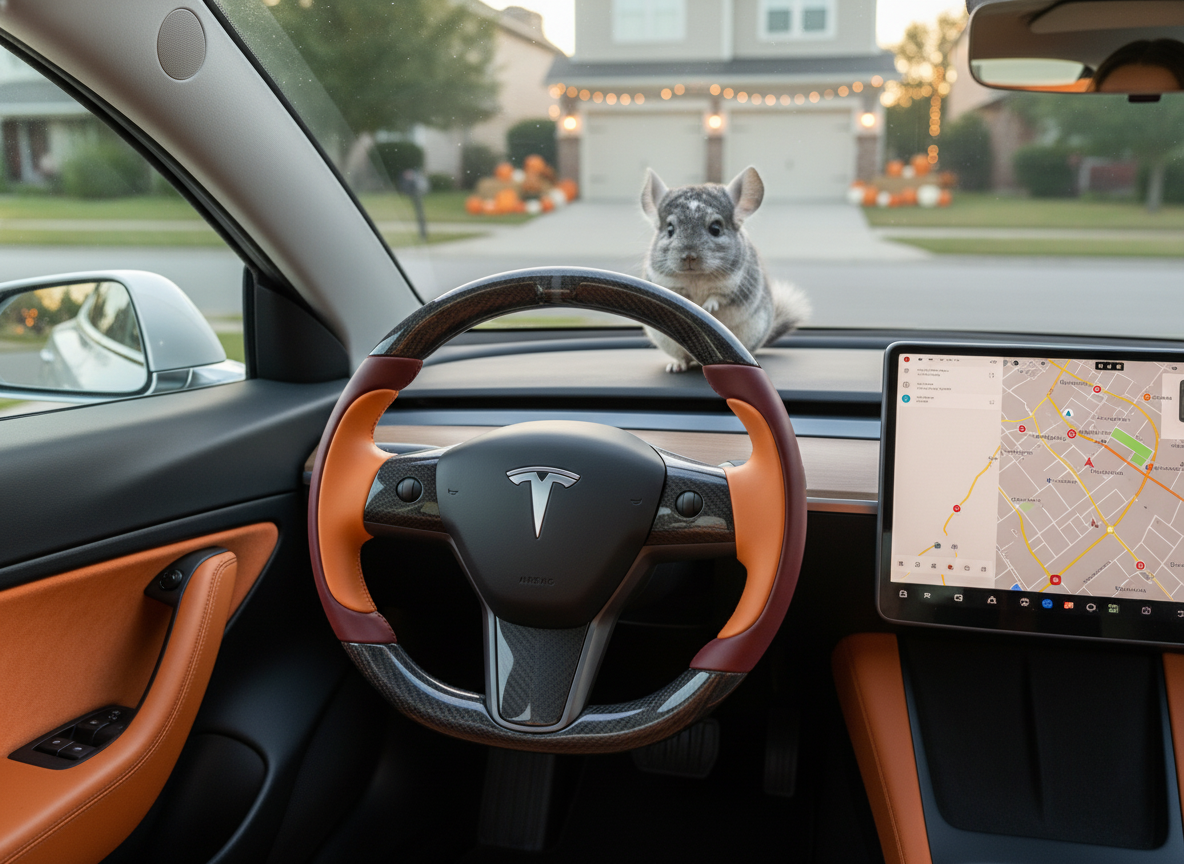
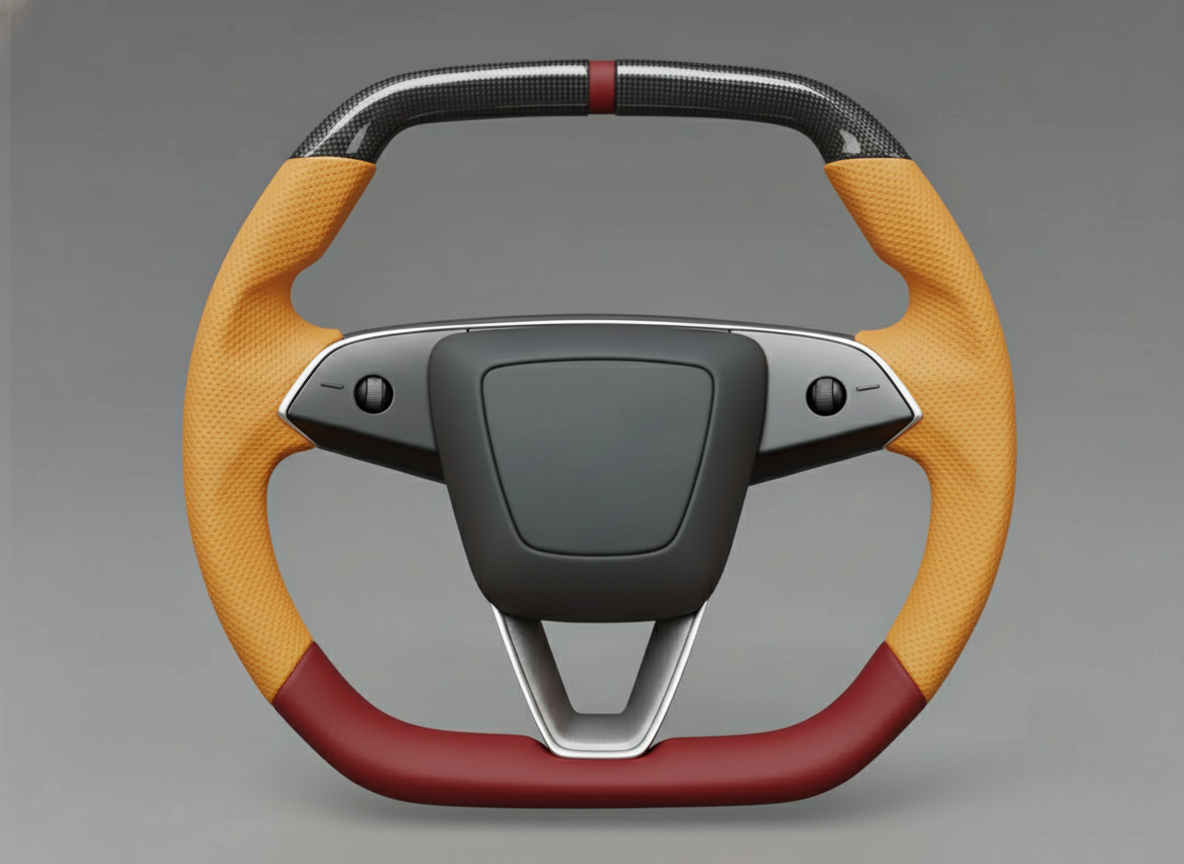
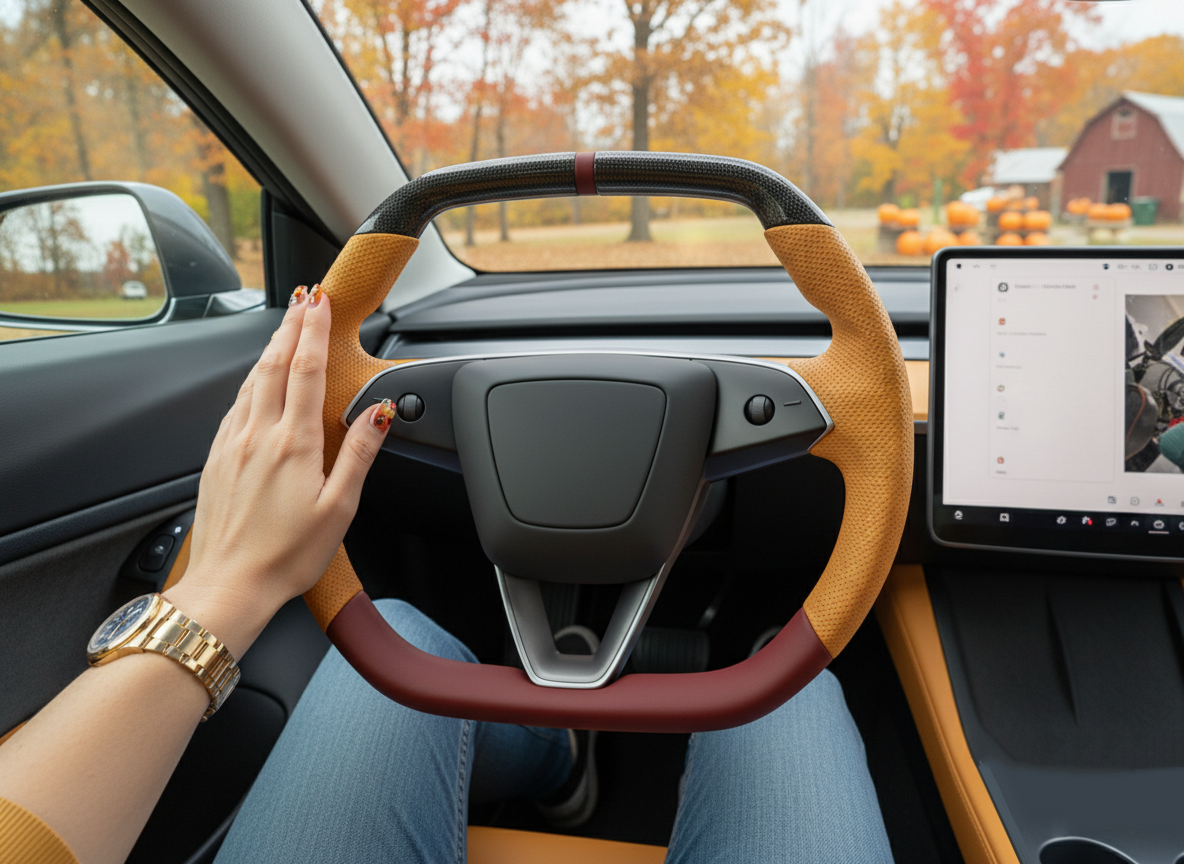
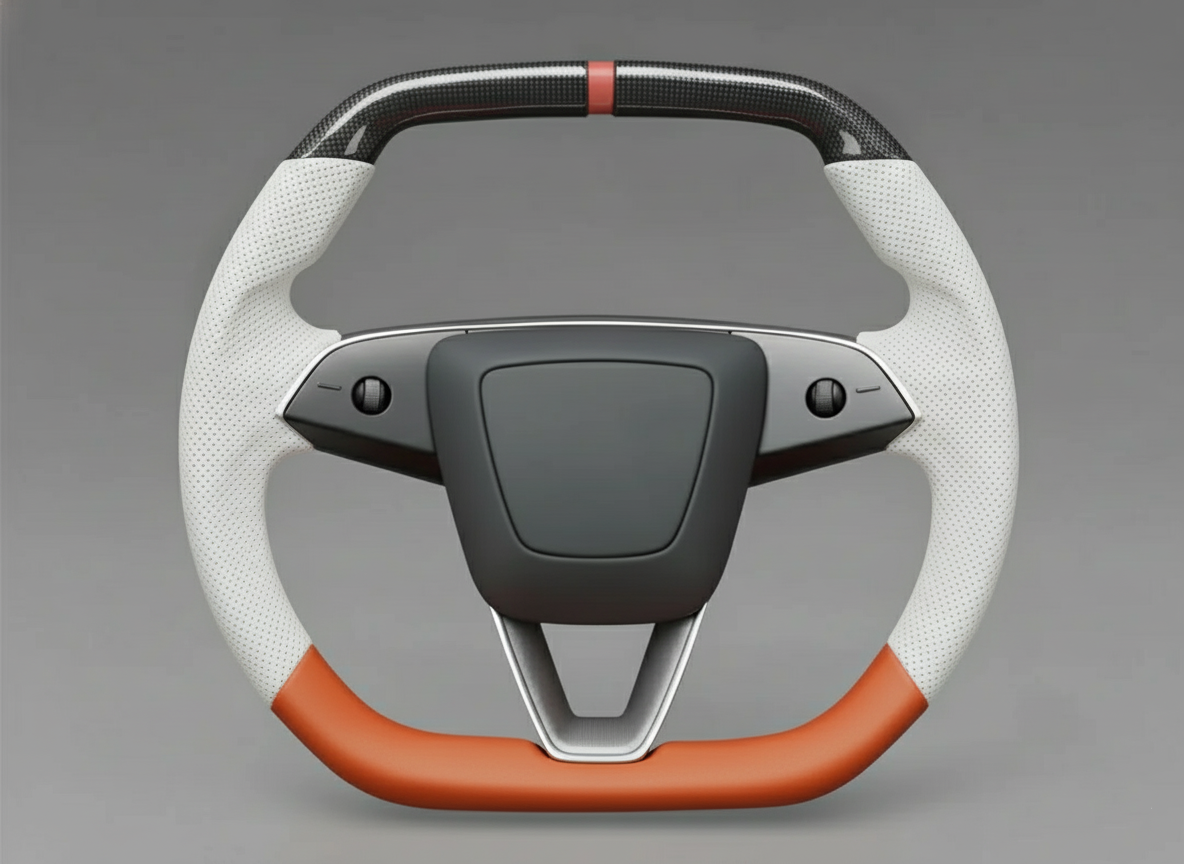
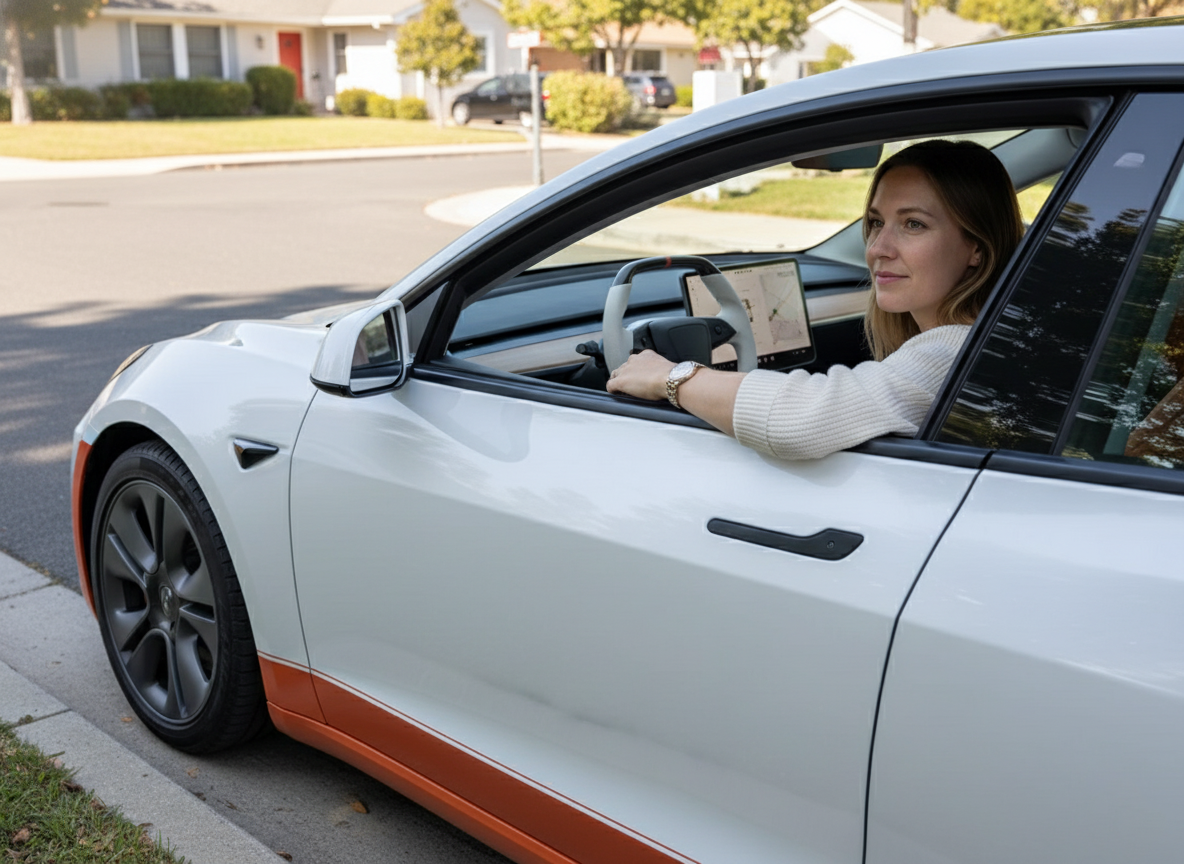
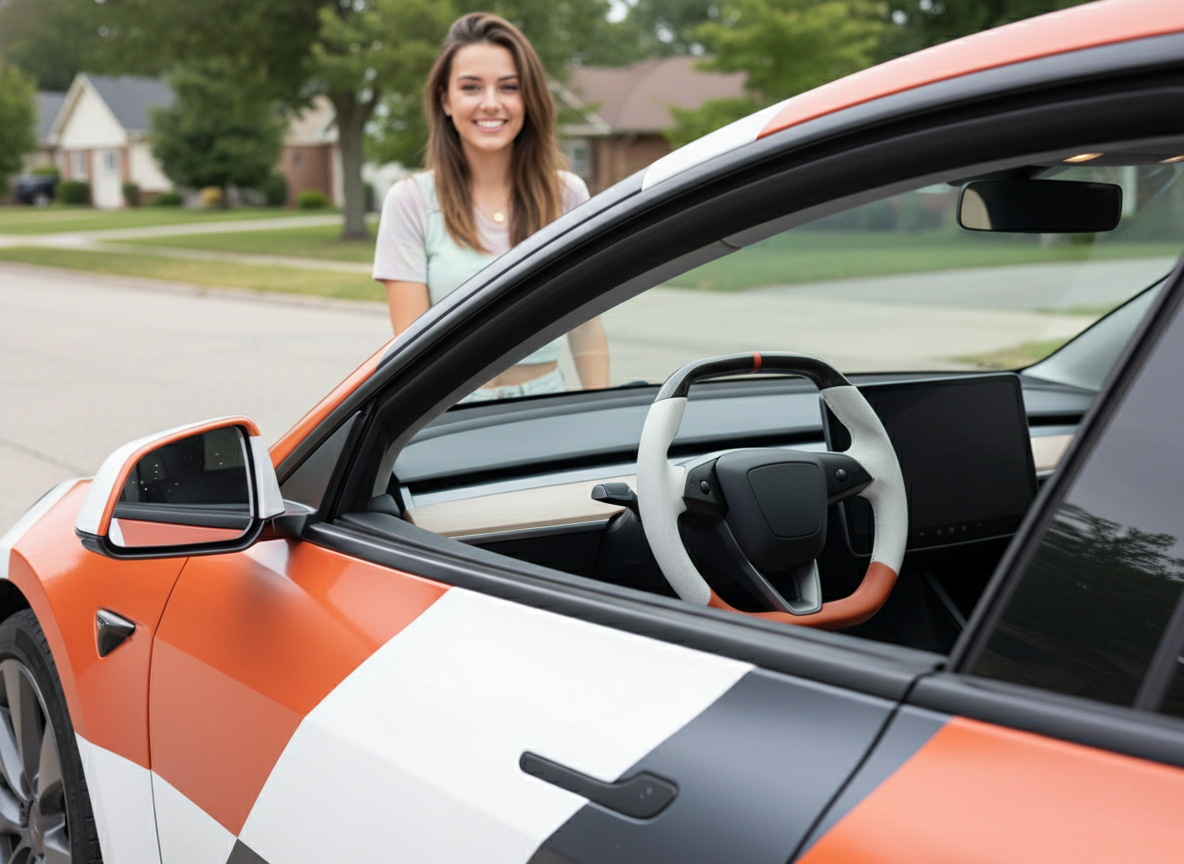
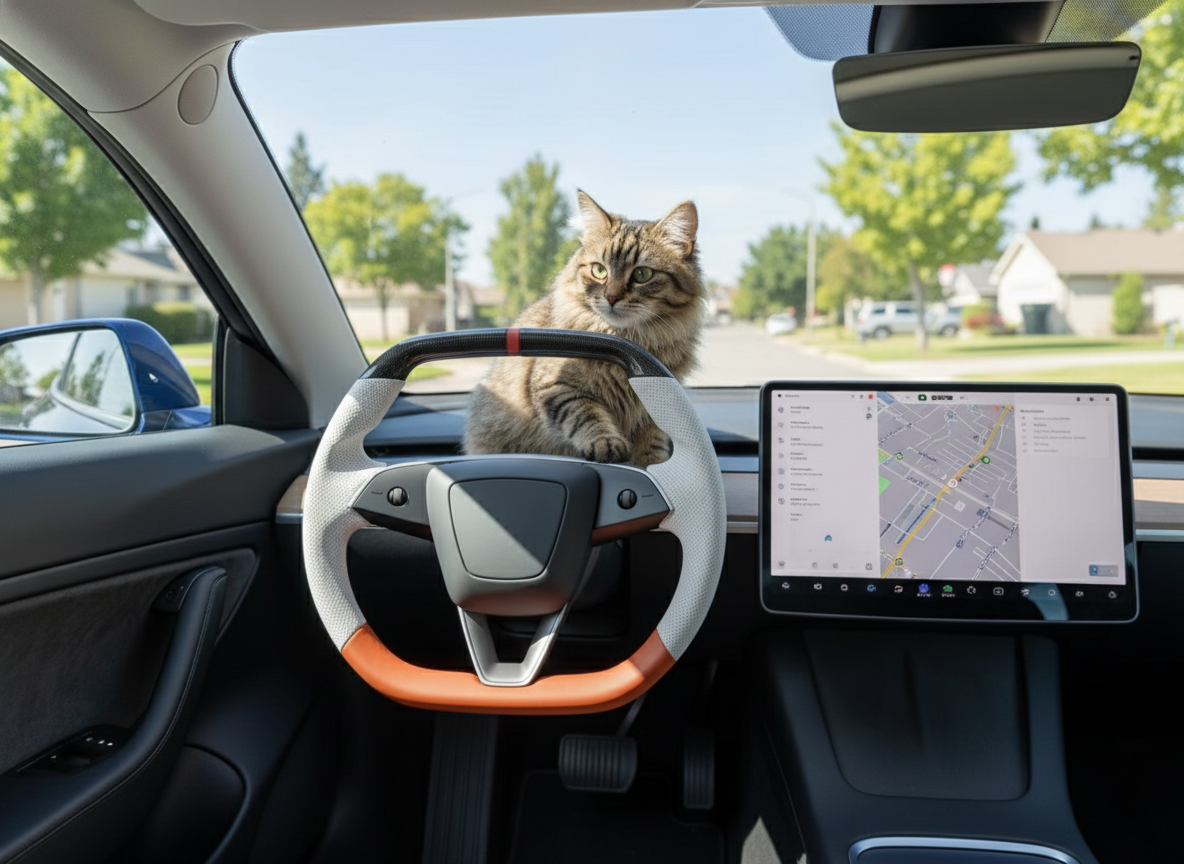
Model X has eliminated traditional stalks, opting instead for integrated pressure-sensitive buttons.
The left side controls the lighting, while the right side adjusts the wipers and Autopilot (AP).
The dual scroll wheels support both scrolling and side-pressing, with the left wheel allowing for customizable shortcut functions.
Coupled with haptic feedback, the operation is both precise and concise.
Buttons
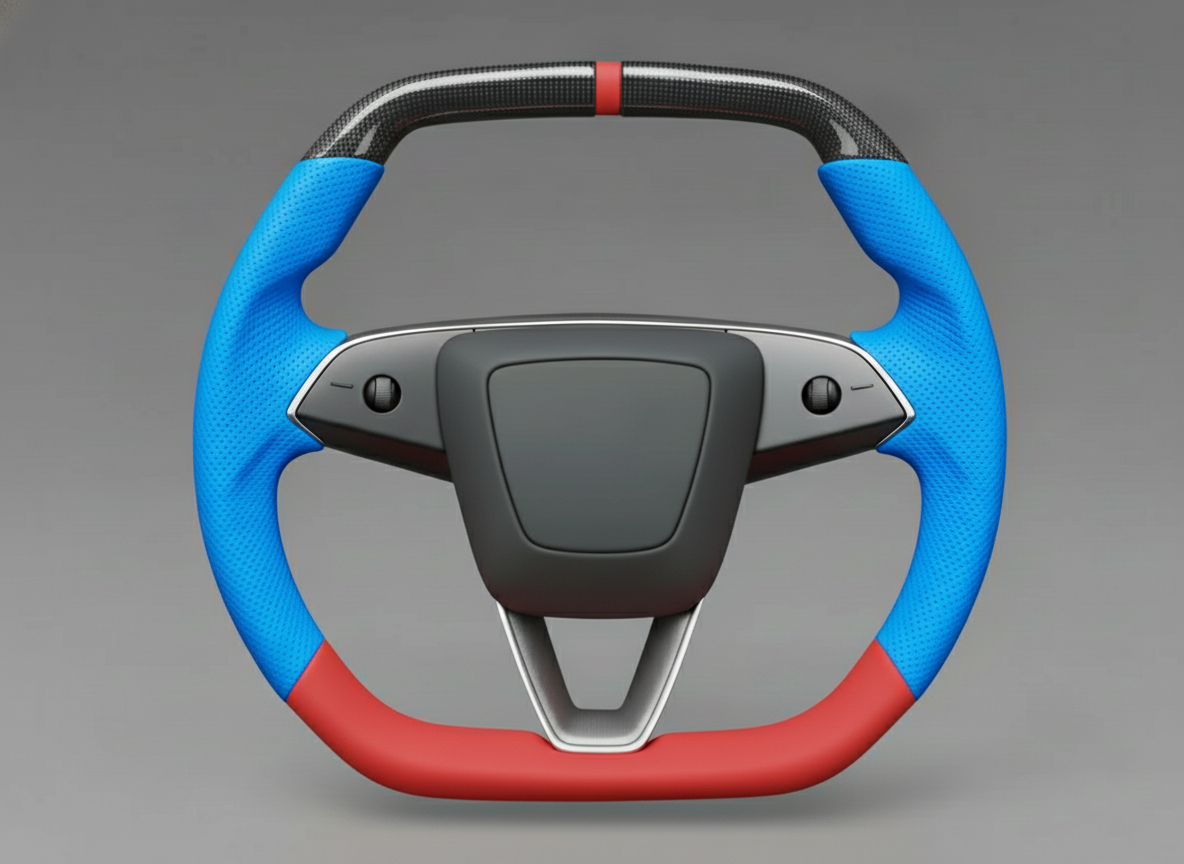
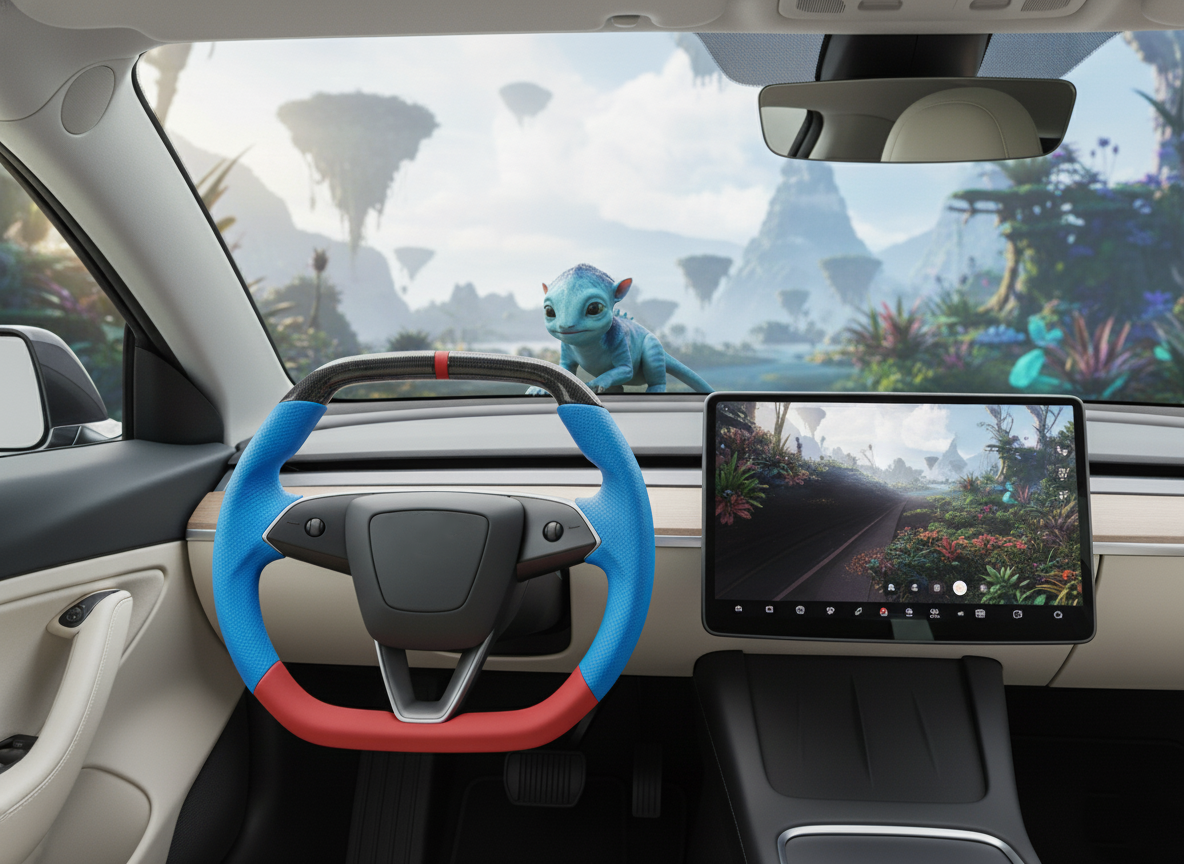
Model X vehicles produced after 2021 have removed the physical stalks on both sides of the steering column, integrating over 10 driving operations into the steering wheel spokes.
The left side includes vertically arranged turn signals (upper for right, lower for left) and high beams; the right side features the wipers, voice assistant, and Autopilot toggle.
The system has eliminated physical travel, utilizing pressure sensors and linear motors to simulate click feedback.
For the 2023 model and subsequent versions, the horn has been moved from an independent button on the right back to the center airbag area of the steering wheel, returning to a standard operational logic.
Left-Hand Lighting Control
The left spoke area of the Model X integrates all lighting interaction logic, completely removing physical stalks.
The up arrow controls the right turn signal, and the down arrow controls the left turn signal.
The high beam icon is located to the left of the turn signals. The buttons integrate linear motors, with pressure sensing accuracy reaching the gram level.
The system supports a light tap for three flashes and a firm press for continuous activation.
It is linked with the 17-inch center display to automatically pop up side-facing camera feeds, covering a blind spot of approximately 60 degrees.
The left-hand lighting control layout of the Model X has fundamentally changed the driver's habits regarding turn signal operation.
The two arrow buttons on the left spoke are arranged vertically, a design that forces the driver to use their thumb to perform precise clicks at a specific height, rather than flicking a stalk on the steering column as in traditional vehicles.
The upper arrow corresponds to the right turn signal, and the lower arrow corresponds to the left turn signal.
To prevent the driver from accidentally triggering these buttons due to palm friction while turning the wheel, Tesla has set specific activation pressure thresholds.
This pressure-sensing mechanism typically requires a force of approximately 1 to 2 Newtons to activate the function.
Once the system identifies a valid press command, an internal linear motor simulates a mechanical "click" feedback, with response times typically controlled within 20 milliseconds.
"In actual driving, the thumb's movement path is reduced to less than 15 mm, allowing the driver to complete all lighting operations without their hands leaving the steering wheel."
The system does not rely solely on physical pressing; it also deeply integrates an automatic turn signal cancellation feature.
The vehicle continuously monitors road markings and traffic flow through eight on-board cameras.
When the driver presses the turn signal with the "Automatic Turn Signals" option enabled on the main screen, the vehicle's sensors identify lane changes or turns.
Once the vision algorithms determine the vehicle has crossed the lane line or completed the turn, the turn signal automatically turns off, eliminating the need to wait for a physical return point on a steering column.
This logic is particularly effective in roundabouts, where cameras capture the steering angle of the front of the car and turn off the signal as the vehicle exits the circle.
| Control Item | Operation Type | System Feedback Result |
|---|---|---|
| Right Turn Signal | Light press on upper arrow | Right turn icon flashes 3 times on the instrument cluster; side camera view pops up |
| Left Turn Signal | Firm press on lower arrow | Turn signal stays on until manually cancelled or automatic turn completion is identified |
| High Beam Toggle | Single click on light icon | Quickly toggles between high and low beams; allows manual intervention in Auto High Beam mode |
| High Beam Flash | Quick double-click | High beams flash repeatedly to alert vehicles or pedestrians ahead |
The high beam button is independent of the turn signal arrows and is located on the outer edge. When pressed, the system behaves differently depending on whether "Auto High Beam" mode is enabled.
If Auto High Beam is on, a single press will switch the system to manual control mode.
The Model X headlights use a matrix design capable of adjusting local light modules within 50 milliseconds based on the light intensity of oncoming traffic captured by the cameras.
On dark rural roads, pressing the left light button can forcibly wake all high-beam modules, at which point the main screen displays a blue high-beam icon.
"Drivers can quickly locate the high beam button by touch in low-light environments, as its icon surface usually features subtle tactile differences."
The left control area buttons feature an independent backlighting system. Ambient light sensors adjust the brightness of the icons in real-time based on cabin lighting conditions.
During night driving, these icons emit a soft white light, ensuring the driver can see the arrows clearly without being distracted.
When Autopilot is engaged, the link between the left lighting buttons and the vision sensor system becomes even tighter.
If the driver presses a turn signal button while Autopilot is active, the vehicle sends a request signal to the 17-inch main screen.
The system first checks if there is a vehicle in the rear-side area with a lateral distance of less than 10 cm; it only initiates an automatic lane change once safety is confirmed.
The integration between the turn signal buttons and the side camera feed on the main screen is a critical part of the functional system.
When the driver presses any left-side turn arrow, a real-time feed from the side-repeater camera immediately appears in the lower-left or lower-right corner of the main screen.
The resolution of this feed is very high, effectively compensating for approximately 15% to 20% of the side mirror's blind spot.
This deep hardware-software collaboration means the driver’s line of sight no longer needs to swing significantly between the mirrors and the steering wheel, remaining more focused on the forward instrument area.
During high-frequency clicking of the turn signals, the system uses software algorithms to filter out "unintentional clicks."
For example, if a driver's palm edge brushes against the left spoke during a wide U-turn, the system analyzes the contact area and duration.
If the contact area is too large and the pressure is uneven, the system determines it to be an accidental touch and does not execute the turn signal.
This logic greatly reduces the error rate of the Yoke steering wheel during complex maneuvering.
"The efficiency of switching between the two arrows with a thumb is about 30% higher than searching for a stalk. Once this habit is formed, drivers often find traditional stalks redundant."
For scenarios requiring frequent lane changes, the left-hand control logic provides "short flash" and "long flash" trigger modes.
Tapping the button for no more than 0.5 seconds defaults to the "lane change" logic with three flashes.
If the press exceeds this threshold, the turn signal enters a locked state.
This setting completely removes the uncertainty of physical travel, making light control feel more like operating a smartphone.
Right-Hand Function Combination
The right-hand function area of the Model X covers wipers, voice control, Autopilot, and the multi-function scroll wheel.
The wiper button supports single-wipe and long-press wash logic; the voice button schedules navigation, climate, and media; the Autopilot button activates cruise or lane changes based on click frequency.
The metal scroll wheel features two interactive dimensions: vertical scrolling and horizontal clicking. The system pressure threshold is set at approximately 1.5 Newtons, with linear motor feedback latency below 15 milliseconds.
Hardware versions after 2023 moved the horn back to the center airbag area, allowing the right-hand buttons to focus purely on functionality.
The topmost button on the right side controls the windshield washer system.
A short press triggers a single wipe to clear dust or light rain. If held for more than 1.5 seconds, the pump activates, spraying washer fluid from nozzles integrated into the wiper arms, followed by three continuous wipes and a final "after-wipe" a few seconds later to clear residual streaks.
Simultaneously with pressing this button, a wiper adjustment menu automatically pops up in the lower-left corner of the 17-inch center display.
The driver can adjust wiper speed via the screen or the left scroll wheel, choosing between Auto, Level 1, 2, 3, and 4.
The Model X washer fluid reservoir has a capacity of approximately 3.2 liters. When the level drops below 15%, a visual reminder appears on the main instrument cluster.
Since the traditional wiper stalk has been removed, this button-and-screen linkage logic requires the driver to use visual confirmation during operation.
- Single Press: Triggers a single wipe without spraying fluid.
- Long Press: Activates the high-pressure spray pump and synchronized continuous cleaning mode.
- Software Linkage: Screen pops up a secondary menu for manual speed control options.
- Auto Sensing: After button activation, vision algorithms prioritize taking over the frequency adjustment.
Located on the inner side of the right spoke, the voice control button is the entry point for HMI (Human-Machine Interaction).
After pressing this icon, a green microphone symbol appears on the instrument cluster, indicating the system is in listening mode.
Model X features a multi-microphone array in the headliner, which effectively filters out wind and tire noise during driving to improve recognition accuracy.
Drivers can adjust climate temperature via voice commands in 0.5-degree increments. The system supports over 100 common commands, covering navigation to specific zip codes, calling contacts, adjusting seat heater levels (1 to 3), and controlling media volume.
In regions like North America, the system supports complex natural language understanding, allowing operations without specific keywords. In underground parking lots with poor signal, the system attempts to use a local voice database for basic vehicle control commands.
The bottom button on the right side is primarily used for managing Autopilot systems.
While driving, a single press activates Traffic-Aware Cruise Control (TACC), maintaining the current speed and a preset distance from the car ahead.
A quick double-click (depending on settings) engages Autosteer, at which point the lane lines on the instrument cluster turn blue.
The FSD computer in the Model X can process up to 2500 frames of image data per second; button operations serve as the physical confirmation switch to activate these algorithms.
When Autopilot is on, pressing this button again or stepping on the brake pedal immediately disengages the system and returns control to the driver.
To ensure safety, the system monitors the steering wheel torque sensor and the cabin camera when the button is triggered to confirm the driver is paying attention to the road.
| Function Name | Physical Operation | System Response |
|---|---|---|
| Traffic-Aware Cruise Control (TACC) | Single click on bottom-right button | Sets current speed as cruise speed; controls longitudinal acceleration/deceleration |
| Autosteer | Quick double-click on bottom-right button | Activates lane centering; enables side camera monitoring |
| Voice Interaction | Single click on microphone icon | Enables local and cloud listening; supports climate and navigation commands |
| Following Distance | Horizontal click of right scroll wheel (Left/Right) | Toggles between 1 to 7 follow distance levels in real-time |
The metal scroll wheel on the right side is a high-frequency adjustment tool.
Scrolling vertically changes the cruise speed: slow scrolling adjusts by 1 mph, while rapid flicking changes it in 5 mph increments.
The wheel supports horizontal clicking (left or right), primarily used to adjust following distance across 7 levels.
In some software versions, clicking the right wheel horizontally also cycles through the right-side display on the instrument cluster, such as real-time energy cards, tire pressure, or trip information.
The scroll wheel is made of stainless steel with a fine anti-slip texture. The damping is precisely tuned, providing a subtle mechanical "click" or detent for every notch turned, ensuring the driver can sense the adjustment magnitude during blind operation.
The buttons in the right control area integrate complex sensing technology. Beneath each icon lies an independent strain gauge.
When a finger presses a button, the sensor monitors pressure changes. If the pressure exceeds 150 grams, the system determines it as an intended click and drives the internal linear motor to produce a pulse vibration.
This simulated click feedback intensity can be adjusted across three levels via the center display. To enhance durability, the button surfaces are covered with a high-strength wear-resistant coating capable of withstanding over 100,000 click cycles.
Button backlighting is controlled by an independent ambient light sensor; when entering tunnels or driving at night, the white backlight fades in smoothly, with brightness auto-adapting between 5% and 100% to prevent glare.
Touch
The Model X steering wheel integrates six independent pressure-sensitive touch zones with built-in high-sensitivity strain gauges that recognize pressure differences from 0.5 to 1.5 Newtons.
Signals are captured directly by a microcontroller, with response latency maintained under 20 milliseconds.
Each interaction point works with a linear resonant actuator (LRA) at 150 to 200 Hz to simulate a physical displacement illusion of 0.1 to 0.3 mm, ensuring the driver receives clear operation confirmation despite the removal of traditional stalks.
Button Functions
The steering wheel interaction of the new Tesla Model X consists of two highly integrated metal scroll wheels and several pressure sensors integrated beneath the panels.
These two wheels are made of 6061 aluminum alloy, CNC-machined, and feature a five-way interaction logic: horizontal clicking, vertical scrolling, and center pressing.
The left wheel leads media and basic vehicle adjustments, while the right wheel is deeply bound to the Autopilot system.
At the hardware level, the vertical scrolling detents are provided by an internal micro-gear mechanism, producing approximately 24 physical notches per revolution with a rotation angle of 15 degrees per notch, ensuring precise perception via fingertip resistance during blind operation.
This physical feedback is paired with a non-linear growth algorithm in the software; for example, when adjusting volume, rapid scrolling triggers larger increments, while slow scrolling allows for fine 1% adjustments.
The left scroll wheel exhibits high multimodal properties across different software contexts.
In normal driving, vertical scrolling adjusts volume, while horizontal clicks skip tracks or change stations.
When the user enters the "Mirror Adjustment" or "Steering Wheel Adjustment" menu via the center display, the underlying logic of the left wheel switches instantly: vertical scrolling now controls tilt, and horizontal clicking controls horizontal rotation.
Sensors monitor scroll speed at 1,000 Hz, ensuring the adjustment motor responds within 15 milliseconds.
For screen brightness, the system uses a two-second long-press on the left wheel to pop up a brightness slider on the cluster, allowing stepless adjustment from 0% to 100%.
This Software-Defined Hardware (SDH) approach reduces the number of physical buttons by over 80%, consolidating knobs previously found on doors or consoles into two wheels less than 1.5 cm in diameter.
The right scroll wheel focuses on real-time management of driving dynamics.
During Autopilot use, vertical scrolling sets the cruise speed (up to increase, down to decrease). The default adjustment gradient comes in two types: a gentle flick adjusts by 1 mph (or 1 km/h), while a rapid scroll jumps by 5 mph (or 5 km/h).
Horizontal clicking of the right wheel sets the "following distance," which Tesla quantifies into 7 levels corresponding to different time-gap constants.
The center-press action on the right wheel is used to wake the Tesla voice assistant or cancel the current cruise state.
To improve stability, the center-press threshold is set between 1.5 and 2.0 Newtons.
| Interactive Component | Action Type | Basic Function | Extended Function (Specific Menu) | Physical Parameters |
|---|---|---|---|---|
| Left Aluminum Scroll Wheel | Vertical Scroll | Media Volume | Mirror/Steering Wheel/Brightness | 24 Detents/Rev |
| Left Aluminum Scroll Wheel | Horizontal Click | Track/Station Skip | Mirror Angle / Menu Paging | 0.8mm Travel |
| Right Aluminum Scroll Wheel | Vertical Scroll | Cruise Speed Adjust | Speed Limit Setting | 15ms Latency |
| Right Aluminum Scroll Wheel | Horizontal Click | Follow Distance Adjust | Lane Departure Sensitivity | 1-7 Levels |
| Right Aluminum Scroll Wheel | Center Click | Voice Control/Confirm | End Autopilot State | 2.0N Trigger Pressure |
The durability of the physical scroll wheels has undergone rigorous cycling tests, set to 1 million rotations and 500,000 clicks without failure.
In extreme climates ranging from -20°C to 85°C, the internal lubricating silicone grease maintains stable viscosity to ensure consistent damping.
The hardware integrates Hall effect sensors to capture position signals via magnetic field changes, avoiding the signal jumping or latency typical of traditional brush-type potentiometers caused by wear.
For safety, the steering wheel controller transmits signals to the Body Control Module (BCM) via a private LIN bus with a high-priority error-checking mechanism.
If an abnormal signal is detected (e.g., a stuck button), the system shields the input and alerts the instrument cluster.
Regarding the differences between the Yoke and round steering wheels, while the button logic is identical, there are subtle ergonomic adjustments.
On the Yoke, the removal of the top half brings the scroll wheels closer to the thumb's natural resting area, allowing the driver to reach the Autopilot cancel button without significant finger movement during high-speed cornering or emergency maneuvers.
As for the "Horn" function, in hardware versions after 2024, Tesla added pressure-sensitive sensors to the right-side area.
Even though a horn icon remains, if the user covers the area with their palm and applies more than 3 Newtons of pressure, the system identifies it as an emergency horn blast.
This logic is completed by a capacitive induction array and strain gauges working together to distinguish "precise function clicking" from "emergency avoidance coverage."
At the software level, these button functions are not static.
Through OTA updates, interaction logic can be reconstructed. In earlier versions, a long-press might have had no function, but now it can be mapped to shortcuts like opening the glovebox or toggling display units.
The PCB beneath the buttons uses an ENIG (Electroless Nickel Immersion Gold) process to ensure conductivity reliability in humid or salt-spray environments.
Each component undergoes X-Ray inspection before leaving the factory to ensure solder joint quality and structural integrity.
Pressure Sensing Logic
The Model X steering wheel surface sits atop a sensing matrix based on Force Sensitive Resistor (FSR) technology, completely abandoning physical contacts.
The internal Flexible Printed Circuit (FPC) integrates multiple bridge sensors monitoring physical pressure at 1,000 Hz.
When a finger touches the surface, the system does not respond immediately; instead, it uses a 12-bit ADC to convert tiny pressure changes into digital signals.
The driver program sets a dynamic pressure curve, with an initial trigger threshold usually maintained at around 1.2 Newtons.
To simulate the down-press feel of a real button, a "hysteresis logic" is added to the algorithm, ensuring pressure must exceed the limit in a very short time to be recorded as a valid entry.
This design excludes interference signals caused by vehicle vibration or unconscious finger placement.
Pressure data is transmitted to the steering wheel's MCU for pattern recognition. Unlike capacitive smartphone screens, this logic prioritizes "torque gradient."
To activate a turn signal, the sensor must detect a pressure pulse with a steep slope (light to heavy).
If pressure increases too slowly or is distributed too evenly (like a palm), the algorithm filters it as an accidental touch.
In low temperatures (e.g., -30°C), where panel materials harden, the system automatically adjusts sensor gain coefficients to compensate for material deformation.
Every touchpoint has redundant sensing units; if one strain gauge detects abnormal resistance, the system switches to a backup path and alerts the cluster for maintenance.
To solve the lack of spatial orientation for virtual buttons, Model X embeds two large LRA motors under the pressure layer.
Their response time is compressed within 15 milliseconds, synchronized with the pressure reaching the threshold.
Once the 1.5N threshold is met, the LRA generates an instantaneous 175 Hz displacement (about 0.2 mm), simulating the "closure" of a physical switch through the steering wheel skeleton.
This feedback is directional, letting the driver know whether the left or right function was activated.
- Sampling & Response: 1ms sampling period, closed-loop response latency < 25ms.
- Pressure Standards: 0.5N for pre-touch, 1.2N for basic functions, 3.0N for emergency tasks (horn).
- Actuator Specs: LRA max acceleration up to 2.5G, frequency range 100-250 Hz.
- Environment: Operates from -40°C to 85°C, with IP5K4 dust/water resistance.
- Hardware Life: Fatigue tested for 1,500,000 cycles with < 3% signal attenuation.
In complex driving, such as tight U-turns or rugged roads, the steering wheel accelerometer links with the pressure system.
When lateral acceleration exceeds a certain G-force, the system increases the trigger threshold to prevent accidental turn signal activation due to centrifugal force on the thumb.
For gloved operation, the system uses a charge compensation algorithm.
Since gloves increase contact area and alter pressure distribution, the MCU calculates the trajectory of the pressure center.
As long as the focal point matches the button coordinates, the logic can still identify the intent by calculating peak pressure, even if the force is diluted by fabric.
Software-defined attributes allow high flexibility.
Tesla fine-tunes the pressure trigger curves via OTA.
Earlier feedback about overly sensitive signals led to a firmware patch increasing the threshold by 0.3N and lengthening the debounce filter.
The four-layer PCB design with dense shielding prevents electromagnetic interference from LTE/5G or Bluetooth signals, maintaining a signal-to-noise ratio above 60 dB.
| Logic Step | Technical Parameter | Interaction Performance |
|---|---|---|
| Signal Filtering | 10ms window smoothing | Eliminates mis-triggers from fine hand tremors |
| Hysteresis Zone | 0.4N drop | Simulates the "reset" feel of a mechanical switch |
| Area Recognition | < 450 mm² | Distinguishes fingertip clicks from palm touches |
| Multi-key Conflict | Shields non-primary signals | Avoids conflicting commands when holding with both hands |
| Self-Calibration | Auto-zero at every start | Eliminates pre-stress from aging or heat |
For Yoke steering wheels, a position prediction algorithm is included.
The system monitors where the driver grips the wheel; if the hand stays at 3 or 9 o’clock, it adjusts sensitivity in those areas for better blind-op support.
The nano-coating on the surface provides a skin-friendly feel and stable dielectric constant, keeping pressure loss within 2% even with sweat or stains.
Combination Interaction
Turn signals, wipers, and light adjustments in the Tesla Model X do not exist in isolation; they are achieved through asynchronous collaboration between the touch zones and physical scroll wheels.
In this logic, pressing a touch icon usually serves only as the "interaction wake-up," after which the system immediately maps the left scroll wheel from volume control to a secondary menu controller.
For wipers, when the icon senses over 1.0N of pressure, the car executes a single wipe.
Simultaneously, a floating menu with five states (Auto, Levels 1-4) appears on the left side of the cluster.
During a 3-second window, vertical scrolling of the left wheel controls wiper frequency instead of volume.
This cross-zone logic compresses a process that previously required looking at the center screen into a 15ms system response cycle.
The right scroll wheel handles complex dynamic parameters during Autopilot.
When Autosteer is active, the right wheel's horizontal movement is defined as a composite control for distance and speed.
Clicking left decreases following distance; clicking right increases it (Levels 1-7).
Vertical scrolling adjusts speed limits by 1 or 5 mph increments. If the driver presses the voice button while scrolling, the system prioritizes the voice command and temporarily shields wheel input to avoid speed fluctuations during verbal instructions.
- Media/Setting Linkage: Long-pressing the left wheel for 2s calls up custom shortcuts (glovebox, temp units, tire pressure, or camera).
- Mirror/Wheel Adjust: After selecting "Adjust" on the main screen, the left wheel's four-way movement controls mirror X and Y axis motors. One revolution equals about 3 degrees of tilt.
- Light Control: Click the left light icon to toggle beams. While the auto-light menu is active, clicking the wheel left quickly cancels Auto High Beam on the cluster.
- Horn Compensation: In 2024+ firmware, covering three touchpoints on the right with >3.0N pressure triggers the emergency horn even if the icon isn't precisely hit.
- Screen Reboot: Holding both wheels for >10s forces a hardware reset of the MCU without affecting driving control.
The system reconstructs interaction topology in milliseconds by monitoring scroll vector and pressure signal frequency.
This multimodal interaction reduces reliance on stalks and improves button utility via dynamic mapping.
During navigation, the left wheel can be temporarily defined for map zooming (50m, 100m, 200m scales).
| Combined Action | Trigger Condition | Subsequent Response | Technical Parameter |
|---|---|---|---|
| Wiper Key + Left Scroll | 0.8N pressure trigger | Switch wiper levels 1-4 | 20ms menu pop-up delay |
| Center Menu + Left Scroll | Menu active state | Adjust mirror/wheel position | 0.1mm motor adjustment precision |
| Long Press Left Wheel (2s) | Sustained pressure | Activate user shortcut | 256 possible function mappings |
| Autopilot + Right Click | Cruise active | Adjust 1-7 follow distance | 1.0 Hz signal refresh rate |
| Dual Wheel Press | 10s sustained input | Force restart vehicle computer | Hardware-level reset |
In city driving, turn signal touch and auto-cancel form another logic pair.
A light touch executes three flashes for a lane change.
If the Steering Angle Sensor (SAS) detects >30 degrees of input and then alignment after returning to center, the signal turns off automatically.
This eliminates the failure of mechanical stalks to reset after small-angle lane changes.
On the Yoke, even if the wheel is upside down (180 degrees), software algorithms identify the driver's intent relative to the vehicle's motion vector.
"The reliability of interaction logic is built on redundant signal verification and environmental perception."
The Steering Column Control Module (SCCM) continuously analyzes scroll wheel health.
If the left wheel generates a continuous pulse due to debris, the system marks the input as invalid and transfers functions (like volume) to the right wheel or the center screen status bar.
In regions below -10°C, the system increases excitation voltage to ensure a >99% trigger rate even with heavy gloves.
These designs keep the driver's hands at the 3 and 9 o'clock positions as much as possible.
Haptics
The Model X haptic system provides microsecond vibrations via LRA motors.
The capacitive zones on both sides of the wheel integrate pressure sensors requiring 2 to 5 Newtons of force to trigger commands.
The panels support 80Hz to 200Hz vibrations linked with the UI, with latency under 15ms.
This solution reduces steering column space by 40% compared to stalks, using electronic logic to simulate mechanical detent feel.
Pressure Triggering
The control areas of the Model X steering wheel use multi-layer thin-film force-sensitive resistors (FSR) beneath a smooth polymer surface.
Unlike smartphones, it doesn't just rely on static induction but measures the analog volume of physical pressure to determine if an operation is valid.
Sensors recognize changes from 0.1N to 20N, converting squeeze into digital signals.
This removes the metal shrapnel contacts of mechanical switches, using material resistance changes under pressure to judge intent.
A resting finger exerts about 0.5N, which the system filters out. Standard functions like turn signals or wipers are set to a 2.5N to 3.5N threshold.
| Function Module | Preset Threshold | Min Recognition Pressure | Sampling Frequency |
|---|---|---|---|
| Turn Signal (L/R) | 2.8 Newtons | 0.3 Newtons | 1000 Hz |
| High Beam Toggle | 3.2 Newtons | 0.5 Newtons | 1000 Hz |
| Voice Interaction | 2.5 Newtons | 0.2 Newtons | 1000 Hz |
| Wheel Center Press | 4.5 Newtons | 0.8 Newtons | 2000 Hz |
"Pressure sensors sample a thousand times per second to distinguish unintentional friction from intentional presses in a very short time."
The steering wheel ECU monitors these data streams. A finger press creates a steep upward pressure curve.
If it crosses the 3N threshold within 15ms, a signal is sent.
This double validation of time and peak pressure prevents mis-triggers from bumps or arm shakes.
In winter, as materials stiffen, the system uses ambient temp data for millisecond-level linear compensation to keep the felt force consistent.
The "click" isn't from the sensor but the LRA triggered by it. If you just stroke the surface, the mechanism stays silent.
| Pressure State | Quantified Value | Signal State | Haptic Motor Action |
|---|---|---|---|
| Standby/Light Touch | < 1.0 N | Ignored | Static |
| Pre-trigger | 1.0 - 2.2 N | Pre-read | Light high-frequency pulse |
| Valid Trigger | 2.3 - 4.0 N | Command Issued | Simulated physical sink vibration |
| Overload Protection | > 15 N | Command Maintained | Feedback stops |
For long-press logic, like adjusting mirrors, the system records the sustained pressure.
As long as it stays above 2.0N, the action continues; once it drops below 0.5N, power is cut within 10ms.
This closed-loop force control is more precise than pure capacitive touch as it reduces interference from sweat or rain.
With 12-bit precision, the software distinguishes between taps, hard presses, and sustained holds.
This works through thick ski gloves where capacitive screens fail, making it feel like a real physical device.
Settings allow users to choose "Sensitive" (2.2N) or "Standard" (3.0N) thresholds.
Non-contact force transmission through leather-like material to a support plate prevents sensor fatigue over 1 million cycles.
In emergency maneuvers, the system identifies large-area high-pressure squeezes (gripping the wheel tightly) and temporarily locks touch buttons to prevent accidental activation.
Feedback Confirmation
Once the 2.8N threshold is met, the signal travels via high-speed bus to the haptic controller, driving the LRA to create a micro-vibration perpendicular to the finger within 15ms. Frequencies (150Hz-200Hz) simulate the snap of a mechanical leaf spring.
| Feedback Type | Frequency (Hz) | Duration (ms) | Voltage (V) | Simulated Effect |
|---|---|---|---|---|
| Short Click | 175 Hz | 10 - 20 ms | 1.2 V | Light ballpoint pen click |
| Deep Confirmation | 120 Hz | 30 - 50 ms | 2.5 V | Heavy mechanical switch seating |
| Continuous Step | 200 Hz | 5 ms (pulse) | 1.0 V | Gear-turning detent feedback |
| Error/Warning | 80 Hz | 100 ms (repeat) | 3.3 V | Noticeable warning shake |
The Model X LRAs have higher mass than smartphone motors, reaching 1.5G to 2.0G acceleration.
This ensures feedback is felt even through gloves or on bumpy roads. The system calculates contact area to focus vibration energy on the finger rather than the whole wheel.
It monitors current feedback 2000 times/sec to ensure crisp starts and stops. Feedback is synced with UI animations (within 5ms) and a 1000 Hz "click" sound from the speakers.
Turn signals have "two-stage" haptics, and Autopilot feedback is 20% stronger.
For scroll wheels, the LRA creates an "electronic damping" feel by firing micro-pulses every 15 degrees of rotation, which can become "stickier" for important settings like driving modes.
| Interaction Dimension | Traditional Physical Button | Model X Electronic Feedback | Advantage Data |
|---|---|---|---|
| Response Latency | Inherent mechanical delay | < 15 ms (all-electronic) | > 30% lower perceived delay |
| Adjustability | Fixed parameters | Software-defined 5-level sensitivity | Adapts to different user ages |
| Physical Life | Spring fatigue (~500k cycles) | Wear-free actuator (2M+ cycles) | 4x higher reliability |
| Consistency | Changes with wear/temp | Real-time current compensation | Zero drift over life cycle |
In high-speed environments, the car monitors suspension sensors; if road vibrations match haptic frequencies, it boosts LRA voltage by 0.5V-1.0V or shifts the frequency to stay clear of "noise."
Redundancy is key: every LRA action generates a back-EMF which the system reads to verify execution.
If the vibration fails, the cluster uses visual and audio alerts instead.
This high-precision linear actuator system replaces mechanical switches with something more durable and customizable, turning cold electronics into a textured, high-quality interaction.
High-Temperature Expansion
The Model X steering wheel control area is a multi-layer composite topped with 0.5mm-1.2mm of polyurethane or synthetic leather.
In summer sun, cabin temps can reach 70-80°C. Different expansion coefficients for metal, plastic, and sensors cause physical stress.
Plastic expands 5-10x faster than metal, squeezing the sensors and causing baseline voltage drift (from 1.2V at 25°C to 1.5V at 65°C).
Without logic, this could be misread as a button press.
| Ambient Temp (°C) | Material Hardness (Shore A) | Static Baseline (V) | Trigger Pressure Change (N) | Est. Expansion (mm) |
|---|---|---|---|---|
| 20°C | 75 | 1.20 | 2.8 | 0.00 |
| 40°C | 68 | 1.32 | 2.6 | 0.08 |
| 60°C | 55 | 1.45 | 2.3 | 0.22 |
| 80°C | 42 | 1.58 | 1.9 | 0.45 |
Heat softens the surface material (modulus drops ~40% between 20°C and 70°C), so the same force causes more deformation. An internal thermistor monitors local temperature.
The computer dynamically adjusts logic: lowering the threshold in cold and raising it in heat to keep the required force at 2.8N-3.2N.
Adhesives lose 50% shear strength at 65°C, and FSR resistance drifts 5-8%.
Internal air pressure also builds up in the sealed wheel, potentially creating micro-bubbles that would delay feedback by 20ms.
To counter this, invisible pressure balance grooves and high glass-transition temperature adhesives are used.
Sensors must survive 500 hours at 85°C.
Flexible Printed Circuits (FPC) are used to bend with the expanding frame without cracking.
"Ambient Background Tracking" records the last 300 seconds of signal; if the increase is slow (heat expansion), it sets a new zero point.
Only sharp pressure spikes are seen as valid inputs, filtering out physical expansion noise.